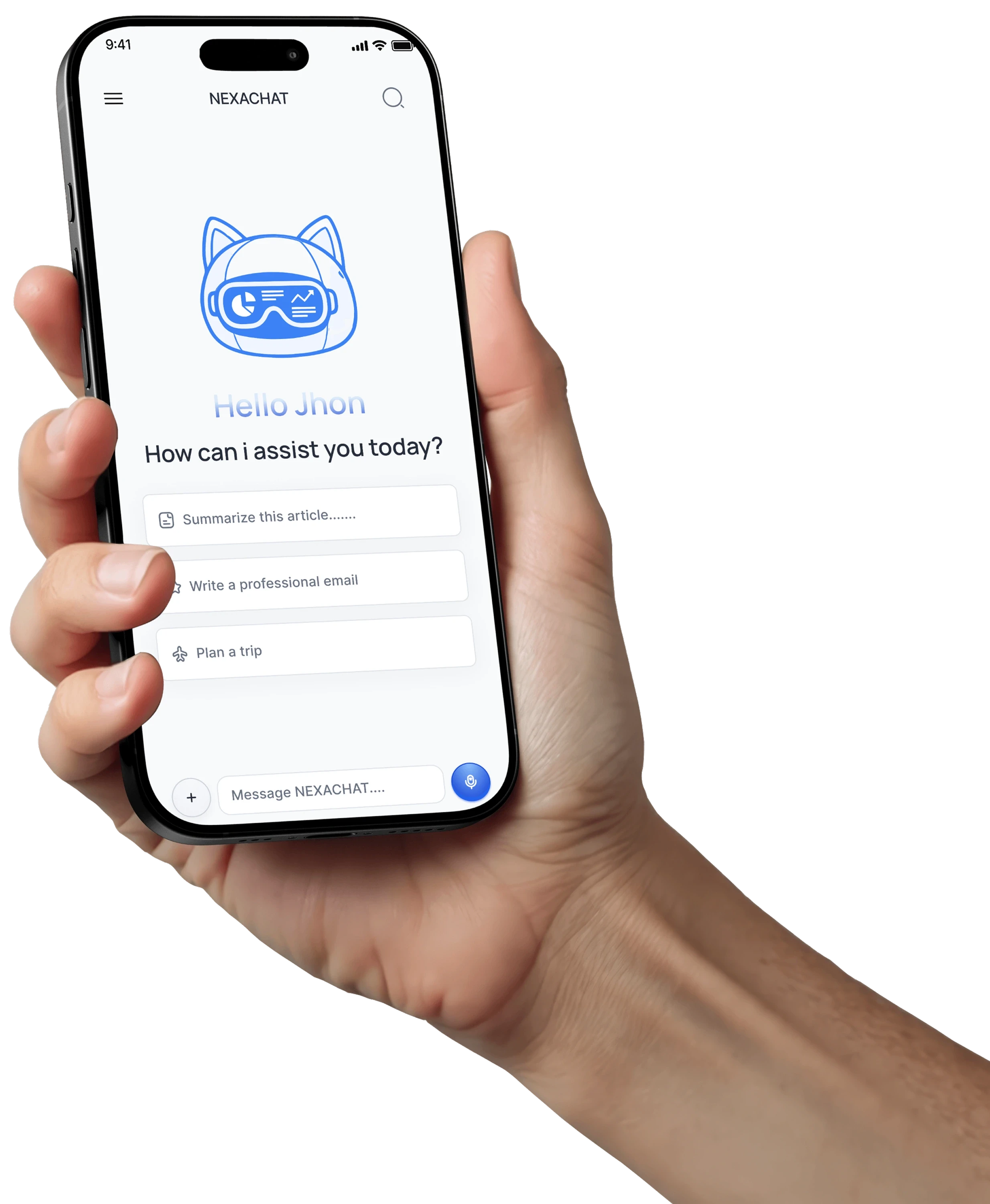
One assistant for the moments that matter.
Chat naturally
Ask questions, get clear answers, and continue the conversation without starting over.
Summarize in seconds
Turn long information into concise, useful takeaways.
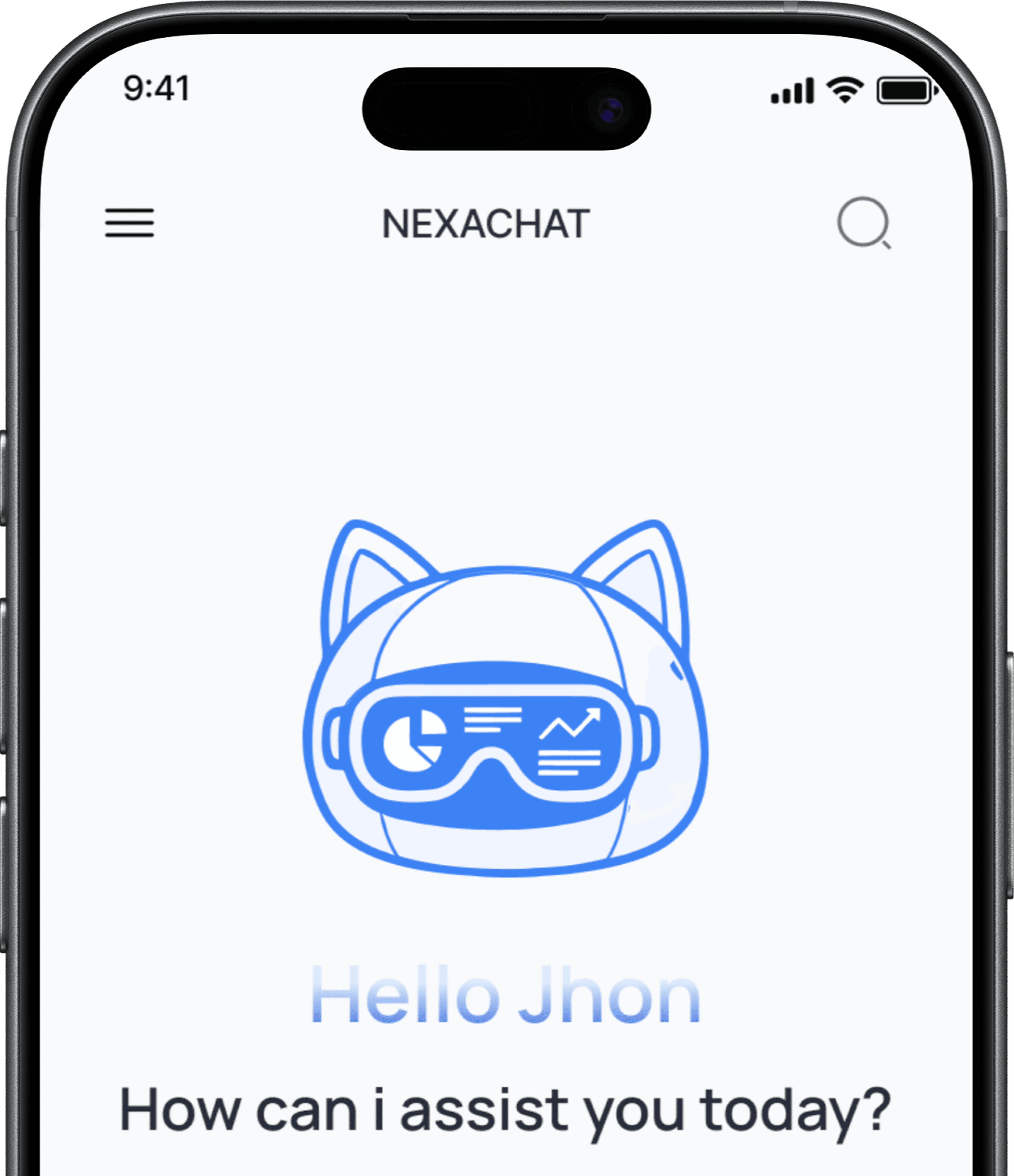
Write with confidence
Draft messages, refine your ideas, and find the right words faster.
Explore ideas faster
Brainstorm, plan, and discover new directions whenever inspiration strikes.
From a quick question to writing you can use
Show an outcome visitors can imagine using: a question becomes a useful message, draft, or next step.
Welcome emails that feel personal
A Practical outcome shown by the app interface.
Clearer messages, less back-and-forth
Refine any draft so it sounds clear, confident, and easy to act on.
First drafts without the blank page
Turn a quick idea into a strong starting point you can shape and send.

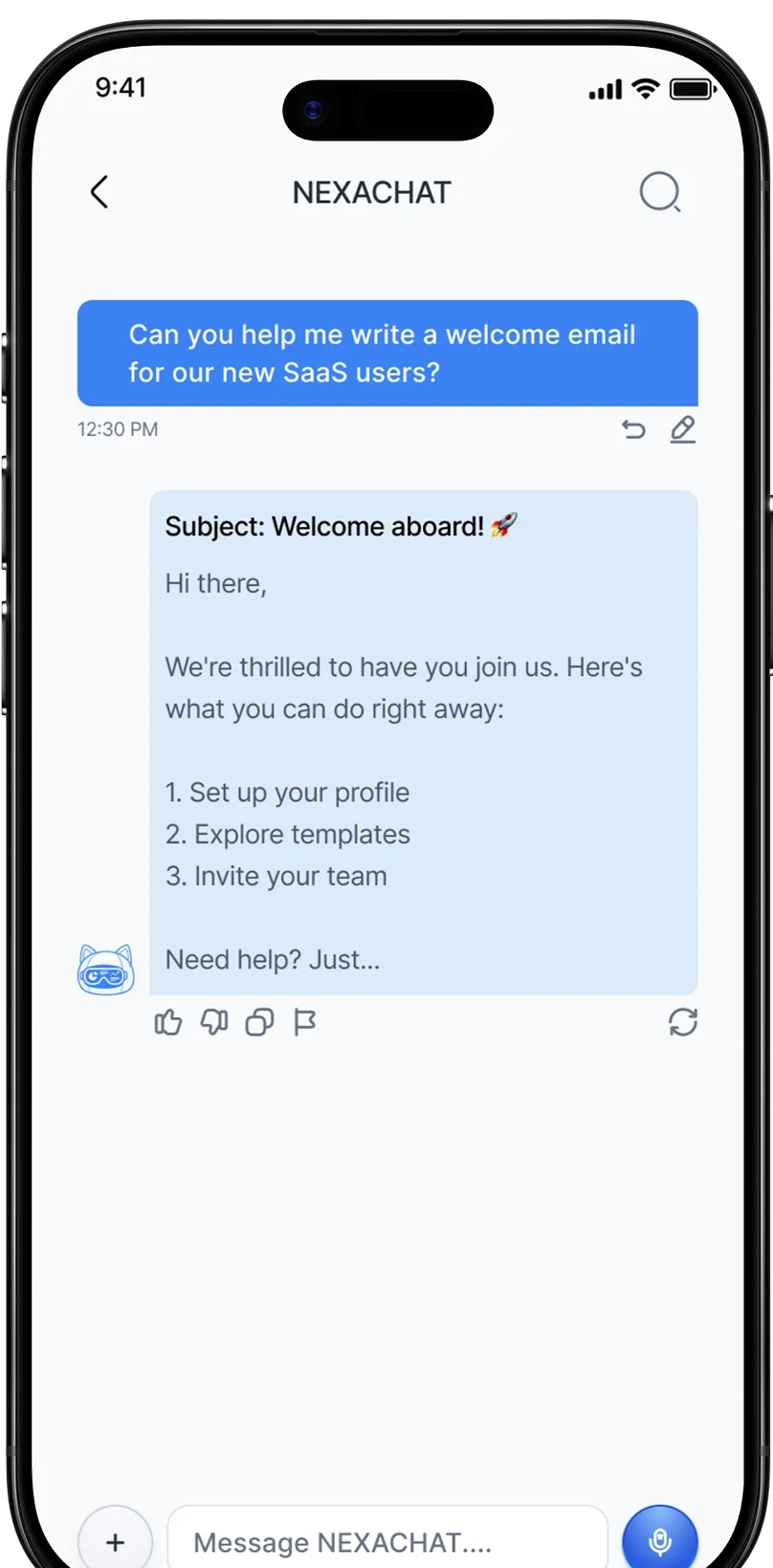
Welcome email ready
Start with a conversation. Go further when you need to.
Choose a focused mode when the task calls for more than a quick reply.
Chat naturally
Get a helpful response, then keep the conversation moving.
Voice assistant
Say what you need and let NEXA help you shape the next step.
Deep research
Turn more context into a concise, useful direction.
AI Persona
Choose the kind of help that best fits the task.
Create, test, and keep moving
Explore a visual idea or clarify a technicial question in the same flow
A Clear answer, without the detour.
Start with a question, choose a useful direction, then keep moving with the response.
Step 01
Ask
Start with a question, a draft, or and idea.
Step 02
Choose a direction
Pick a prompt, persona, or tool that fits the task.
Step 03
Keep Moving
Turn the response into your next message or plan.

Choose a plan that fits your launch.
Questions, answered clearly
This template is a visual marketing foundation — it is not a functioning AI product or billing system.